
Creative Expression at Your Fingertips
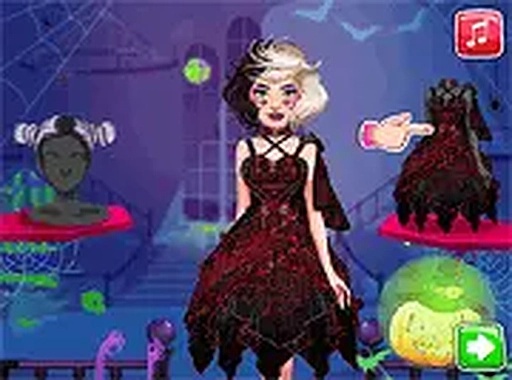
Holiday Style Studio centers on the joy of personalizing a character's look for a special occasion. Players select from an array of cosmetic options, including eye shadows, lip colors, and cheek tints, to build a cohesive style. The interface responds to simple taps or clicks, making the process feel fluid and immediate. This focus on direct interaction lets users concentrate on the artistic choices rather than navigating complex menus.
Building a Festive Persona
The game encourages experimentation with both subtle and bold combinations. Users can layer different hues and apply decorative elements like shimmering accents or themed stickers. The character model reacts to each addition, providing visual feedback that helps players refine their vision. There is no set goal beyond creating a look that feels personally satisfying, which reduces pressure and promotes freeform creativity.
Accessible Across Devices
Holiday Style Studio runs directly in standard web browsers, eliminating the need for downloads or installations. The layout adjusts to fit both desktop monitors and mobile screens, ensuring consistent functionality whether using a mouse or touch input. This cross-platform compatibility means players can switch between devices without losing progress, making it easy to pick up and play during short breaks.
Sharing and Inspiration
Once a design is complete, the game provides options to save the final image locally or share it with others. This feature allows players to showcase their work and exchange ideas with friends. The ability to revisit and modify previous creations also supports iterative learning, as users can see how different choices alter the overall appearance. This social element adds a layer of motivation without requiring direct competition.







Comments
0 comments