
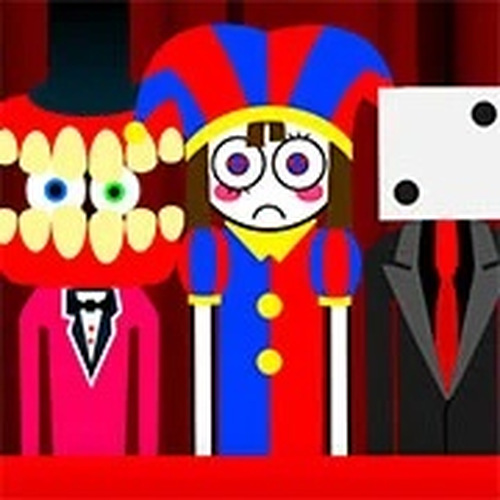
Game Introduction
Melody Box Music Creator is a music creation game that invites players to explore their creativity through sound. The core objective is to mix and match different musical notes by assigning sounds to charming characters on a stage. What makes this game unique is its simple drag-and-drop interface that allows anyone, regardless of musical background, to compose their own tunes. With vibrant visuals and cheerful audio, every session becomes a playful experience. The game is designed to be accessible for both children and adults, encouraging experimentation without complex rules or prior knowledge of music theory.
How to Play
Players typically start by selecting a colorful icon from a palette at the bottom of the screen. They then drag this icon onto one of the characters displayed on the stage. Each character will begin singing or playing the sound associated with that icon. To stop a sound, players can drag the character downward to remove the icon. Some characters may react when certain other characters are singing at the same time, creating unexpected harmonies or effects. For a simpler experience, players can disable these extra interactions in the settings menu. Experimenting with different combinations is key to discovering new melodies.
Game Features
The game includes a drag-and-drop music creation system that is intuitive and easy to use. Interactive character reactions add depth to the compositions, as some characters respond to others singing simultaneously. An optional toggle allows players to enable or disable these special reactions for a more straightforward experience. The visual design is colorful and cheerful, with icons featuring yellow outlines for original characters from other players and blue outlines for characters created by the game's developer. The controls are simple and suitable for all ages, making it a welcoming tool for musical play.
Tips for Success
To get the most out of your music creation, start by experimenting with a few icons to understand how each character sounds. Try combining different characters to see if any special reactions occur, as these can add pleasant surprises to your tune. If you prefer a more focused experience, disable the extra effects in the settings to avoid unexpected changes. Practice layering sounds gradually, building up from a simple beat or melody. Most importantly, have fun and let your creativity guide you—there are no wrong notes in this playful environment.








Comments
0 comments