Crossword Puzzle Game
Review
Microsoft Crosswords is a fantastic word puzzle game that offers hours of engaging gameplay. With three distinct modes, it keeps things fresh and challenging. The controls are intuitive, and the family-friendly design makes it perfect for players of all ages. A must-try for puzzle lovers!
About This Game
Game Introduction
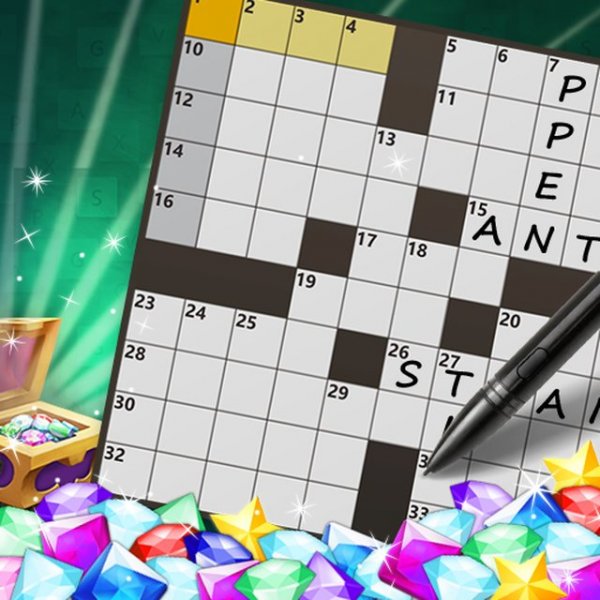
Microsoft Crosswords Puzzle Game is a word puzzle game that challenges players to fill in a grid of squares with letters based on given clues. The objective is to complete the grid by solving across and down clues, making it a classic crossword experience. This game is designed for players of all ages and provides a fun way to test vocabulary and general knowledge. It is accessible on various devices including PCs, mobile phones, and tablets, thanks to its browser-based technology.
How to Play
To play, you start by selecting a crossword puzzle from the available options. The game presents a grid with numbered squares and a list of clues for across and down words. You click on a square to select it, then type the letter you believe belongs there. As you fill in letters, the grid gradually reveals the solution. You can navigate between squares using arrow keys or by clicking. If you get stuck, you may have the option to reveal a letter or check your answers. The goal is to complete the entire grid correctly.
Game Features
Features include a variety of crossword puzzles with different themes and difficulty levels. The game may include a hint system to help players who are stuck. It supports full-screen mode for an immersive experience. The interface is designed to be intuitive, with clear navigation between clues and the grid. As a browser-based game, it requires no download and runs on modern browsers. The game is family-friendly and suitable for players aged 3 and up, making it a safe choice for all ages.
Tips for Success
To improve your crossword solving skills, start with the clues you are most confident about, as filling in a few letters can help you guess other words. Look for common prefixes and suffixes, and pay attention to the tense and number of the clue. Practice regularly to build your vocabulary and pattern recognition. If you are stuck, take a break and return with fresh eyes. Using the hint feature sparingly can help you learn without relying on it too much.